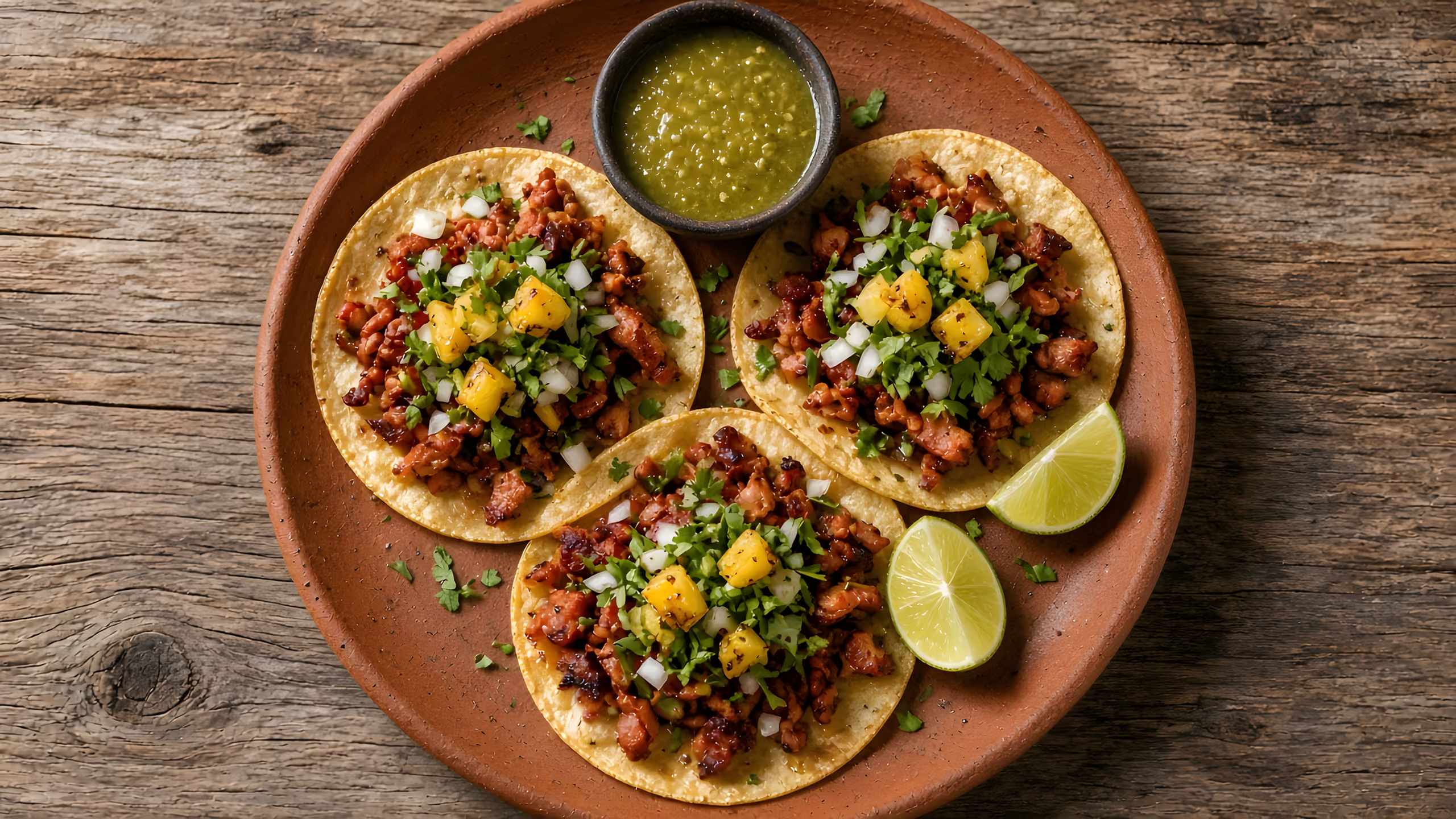
Sample photo
For restaurant owners · Atlanta, Georgia
Keep your regulars. Keep your margin.
Your menu on your own link, with your name on it, so regulars can come straight to you instead of through a delivery app. A flat monthly fee, no per-order fee. Online pickup ordering is coming soon.
- Pickup ordersComing soon
- Customers pay you directly, into your own Stripe accountComing soon
- Based in Atlanta, Georgia
Where the money goes
Their app, or your link
The same regular, the same order. What changes is who takes a cut and who keeps the customer.
Through a delivery app
- Customer pays
- Your menu price
- Taken per order
- A cut of every order
- Whose customer
- In the app, with limited or opt‑in customer data
- Next time they order
- In the app, next to other restaurants
- Your cost in a busy month
- Grows with every order
- Delivery
- The app's couriers
Through your own link
Ordering coming soon- Customer pays
- Your menu price
- Taken per order
- No per-order fee
- Whose customer
- YoursCustomer list coming soon
- Next time they order
- Straight to your page, your name on it
- Your cost in a busy month
- The same as a quiet one
- Delivery
- Your own driversComing soon
Card payments on your link carry the card processor's standard fee, as with any card payment. This compares pickup orders. Delivery costs money on any channel, so keep the apps for delivery if they work for you.
Want the numbers for your restaurant? Try our DoorDash commission calculator.
How it works
Up and running in four steps
You send the menu. We do the setup. Here is what happens after that.
We set up your menu
Send us your menu. We put it on your own link.
Customers order and pay
They open your link, pick their food and pay by card. The money goes to your Stripe account.
Coming soonYou accept on your phone
New orders show up on your phone. Tap to accept, then tap again when the food is ready.
Coming soonThey pick it up
The customer sees when the order is ready and comes to get it.
Coming soon
What you get
What your page handles
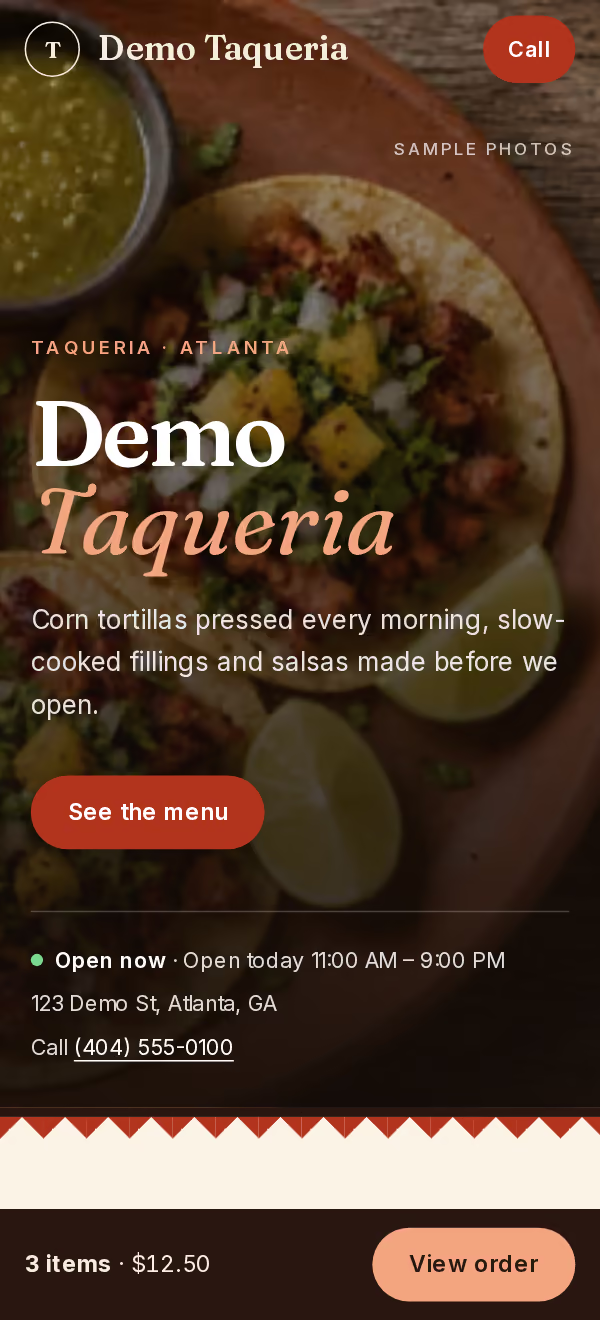
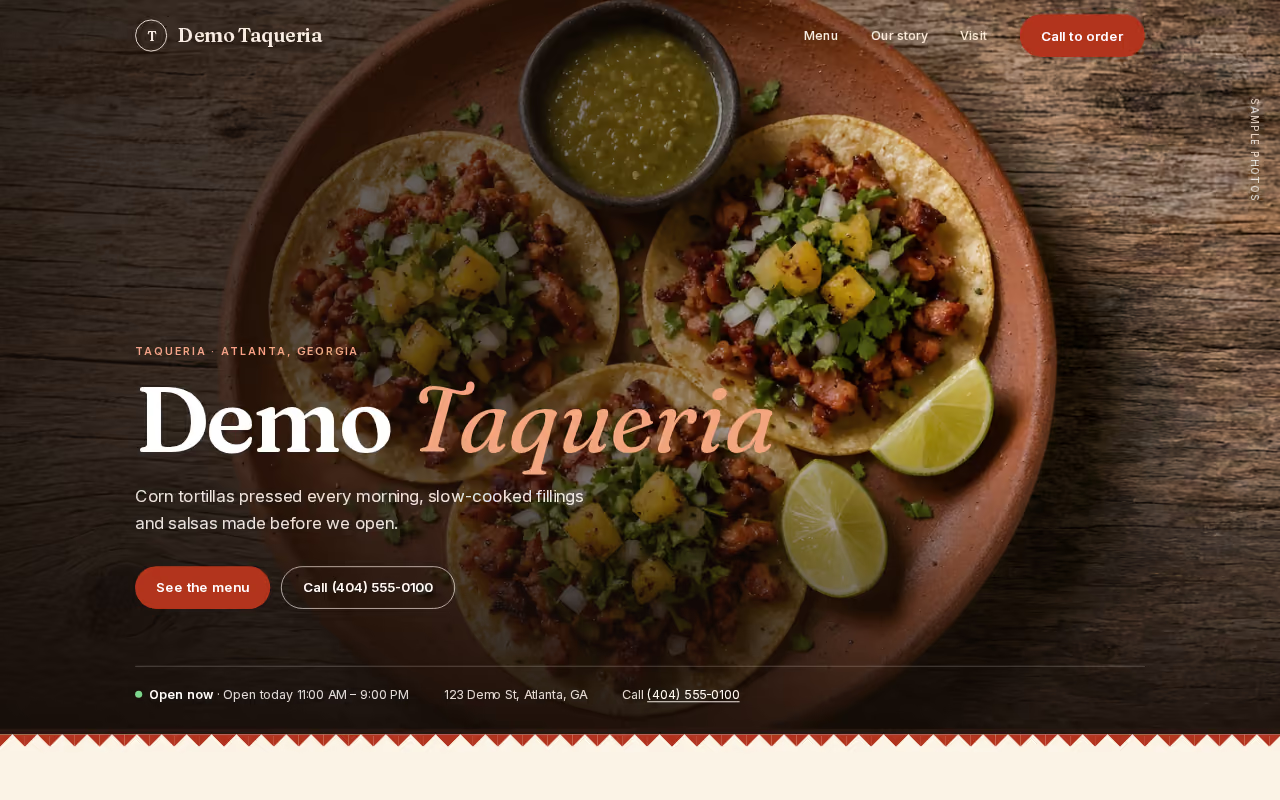
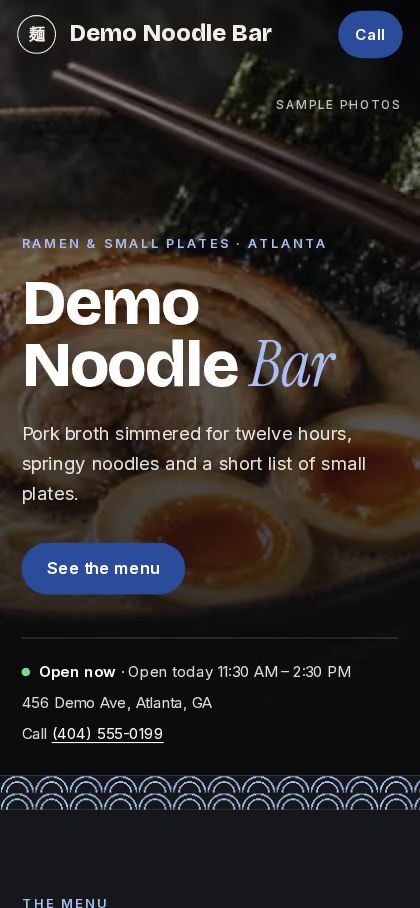
This is a real sample page built on our system, the same one your restaurant gets with your own name, food and colors.
Your own link and look
Your restaurant's name and colors, on a link that's yours.
Sold out, shown right away
When a dish runs out, your page marks it sold out so nobody orders it.
Pause orders when it's busy
When online orders are paused, your page shows a button to call you instead.
Your hours, your prep time
Your page follows your opening hours, holiday hours, last-order time and prep time.
Coming next
Being built now
These aren't ready yet. Each one is marked so you know exactly what works today.
Card checkout
Customers pay by card when they order.
Coming soonPayouts to your Stripe account
Card payments go straight to your own account.
Coming soonOrders on your phone
Accept new orders and mark them ready from your phone.
Coming soonRefunds from your phone
Refund an order yourself.
Coming soonYour customer list
Download your customers and orders any time.
Coming soonAlerts for waiting orders
A text if a new order sits too long.
Coming soonQR codes for bags and receipts
Bring delivery-app regulars to your link.
Coming soonOrder button on Google
People who find you on Google can order directly.
Coming soonDelivery by your own drivers
Take delivery orders on your link and send your own staff. No courier app in the middle.
Coming soon
Pricing
One flat fee. No cut.
A flat monthly fee, no per-order fee. A busy month costs you the same as a quiet one.
Every planNo per-order feeYour menu on your own link, with your name on itPayments go straight to your Stripe accountComing soon
Starter
For one restaurant getting its regulars onto its own link.
$119$149 a month
Plus $399 one time to set up
Includes MenuGaze Pro 3D menus. Separately $158.99, so $9.99 a month less.
- One location
- Pickup orderingComing soon
- Rewards for regularsComing soon
- Up to 500 texts a monthComing soon
Growth
Adds catering, table QR codes and win-back messages.
$199$219 a month
Plus $499 one time to set up
Includes MenuGaze Pro 3D menus. Separately $238.99, so $19.99 a month less.
- Everything in Starter
- Catering ordersComing soon
- QR codes for your tablesComing soon
- Win-back messages to regularsComing soon
- Up to 1,500 texts a monthComing soon
Pro
For busier kitchens and more than one location.
$299$339 a month
Plus $799 one time to set up
Includes MenuGaze Premium 3D menus. Separately $378.99, so $39.99 a month less.
- Everything in Growth
- Up to 3,000 texts a monthComing soon
- Priority supportA reply within one business day by email or phone.
- Extra locations, $79 a month eachComing soon
Prices in US dollars. Features marked Coming soon aren't built yet, and we'll tell you on the call what's ready for your start date. Card payments carry the card processor's standard fee, as with any card payment.
For owners
Talk to us about your restaurant
Leave your name, your restaurant and a phone number. We'll call you back.
On the call
- How orders come in today, and what they cost you
- Whether your own link makes sense for your regulars
- Which plan fits, and what's ready for your start date
Prefer email? concierge@nemcogroup.org
Questions
Good to know
Do my customers need to download an app?
No. They open your link in their phone's browser.
Who gets the money?
You do. Once card checkout launches, payments go straight to your own Stripe account.
What if I need to stop orders?
Pause online orders any time. Your page shows your phone number so people can still call.
Do I have to leave the delivery apps?
No. Keep them for delivery if they work for you. Your link is for the regulars who'd rather order from you.
Do you provide drivers?
No. Delivery, when it comes, is by your own drivers. For couriers, keep the apps.